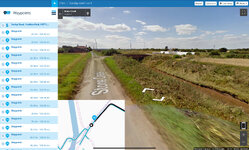
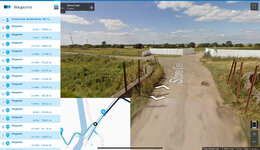
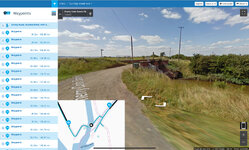
That’s an instruction that the software will ignore, if you deliberately place a shaping point on an unmade road.
You can see this at work in your route:
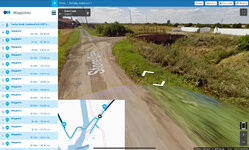
A. Google street view shows that point 42 is on some sort of unmade road.
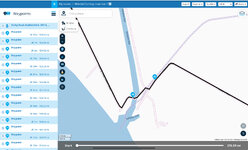
B. Shaping point 43, was across a bridge over some sort of creek, connected to 42 by what seems to be unmade roads.
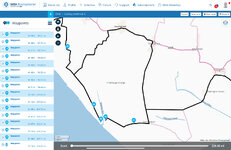
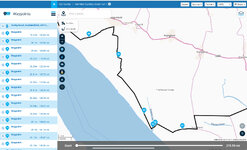
C. Due to your avoidance setting, the dumb (but very clever) software, did its best to join 43 to 42 AND avoid any more unmade road. The only way it could do this was to turn you around at point 42 and take you on the loop to point 43. In short, it simply did exactly what you had asked it to do.
D. I forced the route to avoid creating the loop, by very simply moving point 43, closer to point 42. I could also have done it by using MyRoute’s ‘off road’ tool, between points 42 and 43. This would have created a navigable straight line line between the two points; crude but effective.
PS MyRoute recommends having a shaping point every 5 km / 3 miles. That alone would probably not have avoided the software creating the loop, but it remains very good advice. See the sticky in the GPS section. The sticky also highlights the importance of checking routes, before using them. It will save you getting to point 42 and then shouting at the dumb device (which can’t hear you) and questioning its parentage, as it’s now asking you to turn around and go on a bloody big loop.