iOS 26.1

Monsieur

Flâneur with style, passion and real substance
UKGSer Subscriber
Joined
Nov 6, 2005
Messages
20,809
Reaction score
8,935
Location
London/Lincolnshire
What have I done?
Phone updates seem to happen like witchcraft, most seem okay.
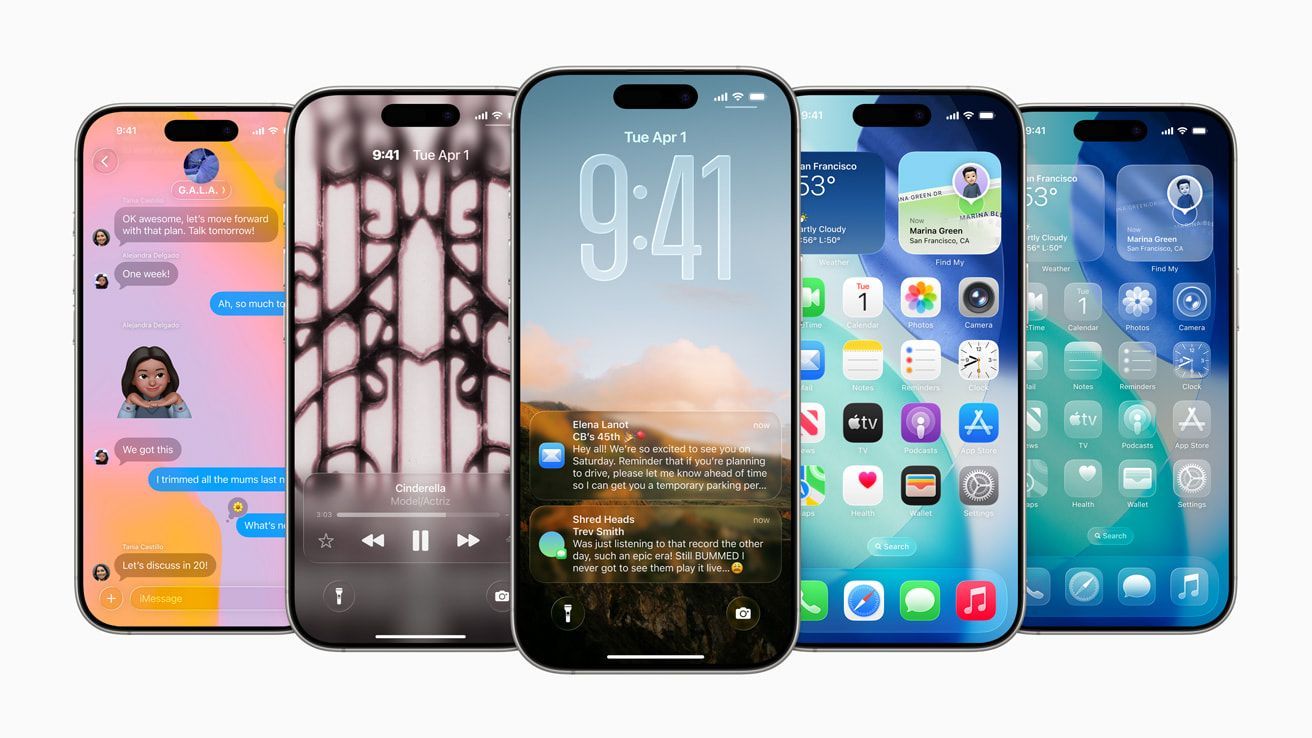
This new one is unsettling! Shiny, glossy, I want my old one back!
 
I read somewhere that you can turn off liquid glass but haven’t tried. I’m getting used to it now, though, as I first installed it on my ipad a while ago.
 
Not nice on the eyes!
I’ve fiddled with setting and Home Screen appearance but still don’t like it
 
It's awful isn't it, battery life takes a hammering too if not running on the latest iPhone 17 or whatever the other one is. They popped a setting in to turn off liquid glass, but being apple it could not just be called "Off"

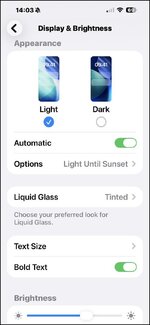
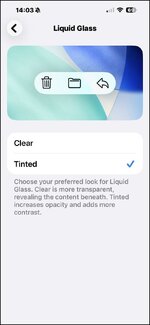
You have to enable "Tinted"

My 15 Pro Max is still 100% battery health, but with 26.1 won't get through a working day on a single charge, I've had to make several tweaks to get some battery longevity back.

20251204_140334000_iOS.jpg20251204_140342000_iOS.jpg
 
Thanks, setting adjusted, it’s better, but only just

This guide can help to tweak additional settings for battery life on 26.1


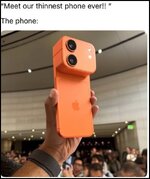
It's the fruity bastards way of trying to force people to upgrade perfectly good phones to that monstrous orange carbuncle :)


1764861612851.jpg
 
I have an older iPhone SE (2020 model) and have a reminder to uograde to IOS26.1 which I really dont want to do, is there any way I can turn off reminder? I have switched off auto updates, any tips appreciated, Cheers :beerjug: John B
 
My old iPhone 13 seems to run fine on iOS26.

I wasn't expecting to from what I'd read, but I quite like the look of it.


Back
Top Bottom