John Roberts
Registered user
As above, any suggestions please? It’s a bit urgent, a relative just taken to hospital with a relapse of Covid. She’s 91. We really don’t want to miss any messages.
Thanks.
Thanks.



As above, any suggestions please? It’s a bit urgent, a relative just taken to hospital with a relapse of Covid. She’s 91. We really don’t want to miss any messages.
Thanks.
No I hadn’t, I didn’t know that notifications meant this sort of thing, though it’s pretty bleedin’ obvious now(!) Anyway, I had a look in there and did all the obvious things (including remembering to click on the ‘Save’ button, but nothing works, no bing (or whatever), no vibrations, and no preview.I suppose you’ve checked that notifications are switched ‘on’ for sounds/banners in Settings?
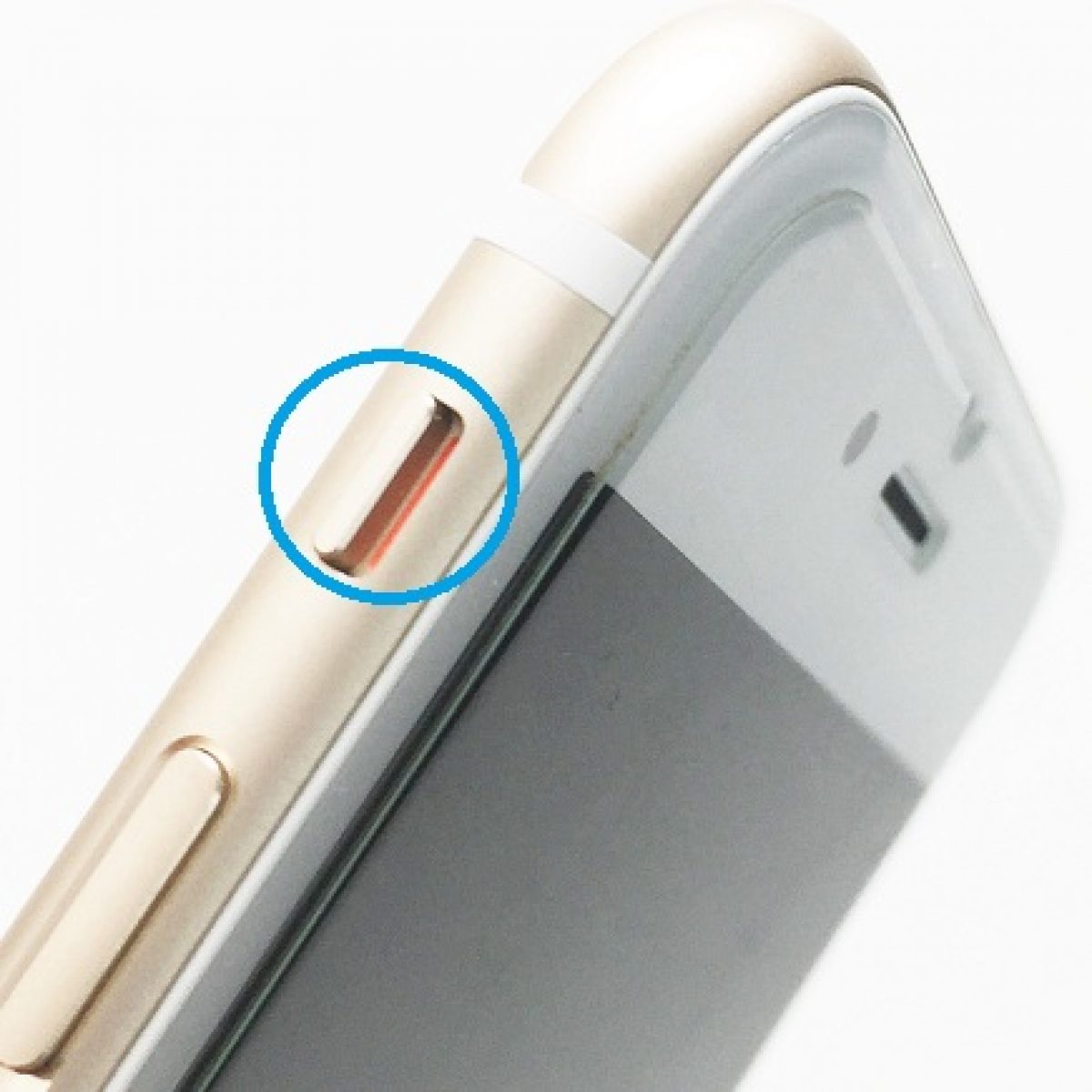
Dependng on the model you may have a little switch on the left hand edge towards the top which toggles the silent mode on & off, it's easy to knock it into the off position accidentally.
No, that’s normal, i.e. not red, thanks. As per my second post there’s no vibes or preview either.


Thanks for that, I’m sorry to be slow replying, been busy.
Sounds and haptics. Check in there by checking ringer volumes etc and tap text tone or similar and it should ring when you then press each individual tone option.
Sent from my iPhone using Tapatalk


Oh dear, I never thought of that.Do you have Do not disturb or Night time settings on? Do you have a little crescent moon top right?
 ... No, it wasn't on, pleased in a way but it means that I've still got the fault. I'll take it in to town tomorrow to the 'puter guy. Fingers crossed. I'll let you know what it was if I can understand what he tells me.


