as Al suggests
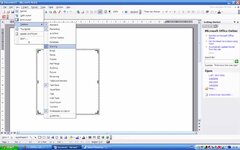
select the drawing toolbar thus, once you've got the toolbar on show select the arrow picture, (near the bottom row of the picture shown just to the left of the little rectangle) this should open a box with the words "create your drawing here". click the left mouse button where you want the arrow to start and drag in the direction you want it to go. release the button when you get the desired length. If the angle is not quite right you will see a little circle at the arrow tip, click on this and drag the arrow around to get the desired angle.