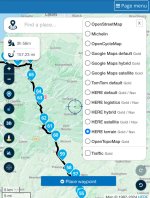
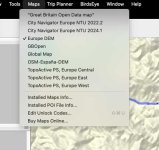
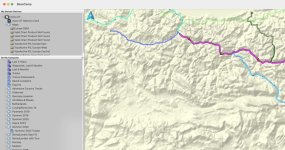
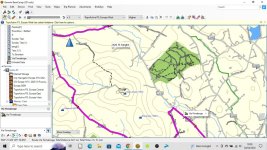
Currently planning a trip using City Navigator 2024.1
I'm partly using some routes I've taken already years ago, so I'm on the safe side, but I was wondering if it is possible to overlay a DEM map on the City Navigator... in Basecamp.
Essentially, I want to see elevation.
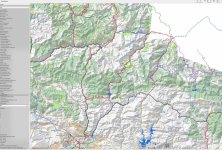
I remember using OSM map with 3D detail and elevation in the area when I planned the previous trip (2019) because we did some light offroad and I wanted to be sure of any climbs, etc. But it was a separate map.
This was it:

I don't really need a 3D map now, I just want to have shading/contour lines, anything to indicate a rough idea of elevation on top of the CIty Navigator.
Any way to achieve this?
Thanks
I'm partly using some routes I've taken already years ago, so I'm on the safe side, but I was wondering if it is possible to overlay a DEM map on the City Navigator... in Basecamp.
Essentially, I want to see elevation.
I remember using OSM map with 3D detail and elevation in the area when I planned the previous trip (2019) because we did some light offroad and I wanted to be sure of any climbs, etc. But it was a separate map.
This was it:
I don't really need a 3D map now, I just want to have shading/contour lines, anything to indicate a rough idea of elevation on top of the CIty Navigator.
Any way to achieve this?
Thanks
Last edited: