John Roberts
Registered user
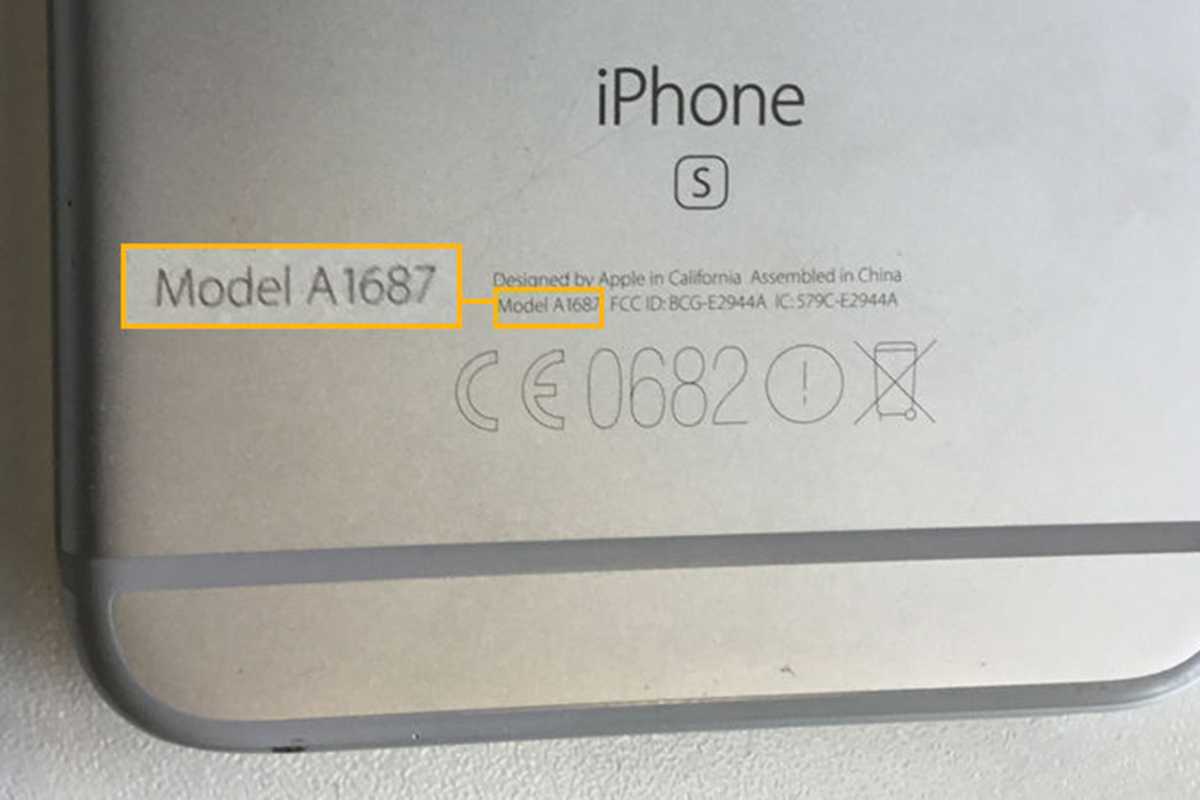
Somewhere in the Settings it gives the Model Number as MGJE3B/A, but when I look on various sites on line all the numbers start off with the letter A. There's nothing on the Apple website either, can you help please?
While I'm here, I've looked up changing the battery on an iPhone 12, it doesn't look too tricky really (providing I don't get all those screws mixed up of course ) is it particularly awkward really? I think I have all the tools used in the instructional video apart from the pliers with the two suckers that was used to remove the screen from the case, is that essential or can it be done without? I'm happy to buy one if necessary of course.
TIA
While I'm here, I've looked up changing the battery on an iPhone 12, it doesn't look too tricky really (providing I don't get all those screws mixed up of course
) is it particularly awkward really? I think I have all the tools used in the instructional video apart from the pliers with the two suckers that was used to remove the screen from the case, is that essential or can it be done without? I'm happy to buy one if necessary of course.TIA