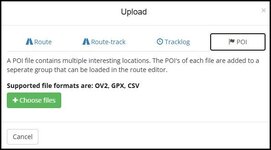
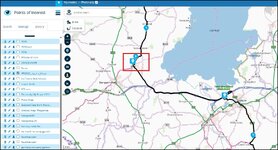
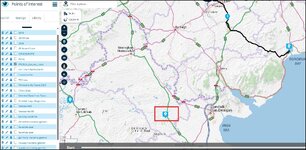
I'm sure this has been covered, but so far my attempts have been unsuccessful  . I have created several routes and waypoints in Basecamp, in a folder.The folder contains 4 lists, and each list contains daily routes and alternatives. So far, I've not been able to bring the routes in as separate routes, and at least one hasn't rendered correctly, having a direct line and not a route.
my objective is to import all the routes below to MRA, as separate routes with accompanying waypoints and preferably tracks. Could someone give me some pointers please?
List folder Porsche Provence 26
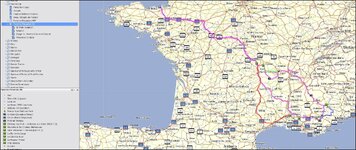
Example list with 3 routes, 2 waypoints
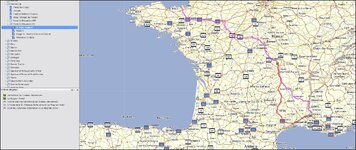
=====
Title edited and made a sticky.
Richard
. I have created several routes and waypoints in Basecamp, in a folder.The folder contains 4 lists, and each list contains daily routes and alternatives. So far, I've not been able to bring the routes in as separate routes, and at least one hasn't rendered correctly, having a direct line and not a route.my objective is to import all the routes below to MRA, as separate routes with accompanying waypoints and preferably tracks. Could someone give me some pointers please?
List folder Porsche Provence 26
Example list with 3 routes, 2 waypoints
=====
Title edited and made a sticky.
Richard
Last edited by a moderator: