


After a reboot of my laptop this morning the volume control and network icons have not reappeared in the System Tray on the bottom right of the screen? 
I did right click on the System Tray and for some reasons the options are now greyed out.
So does anybody know how I can restore them please....the OS is Vista.
I did right click on the System Tray and for some reasons the options are now greyed out.
So does anybody know how I can restore them please....the OS is Vista.
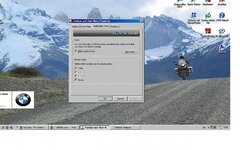

 , I deselected the Hide Inactive Icons and that did the trick. I see you live in Ombersley, I go through there quite frequently on my to see friends who live at Little Hereford a couple of miles the other side of Tenbury.
