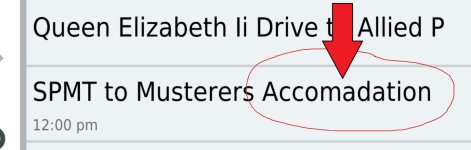
Device cannot calculate a route, using Open Street Maps

Oh and switch off the NZ map and try doing a route with the Garmin maps in Gotland or somewhere and see how you get on.
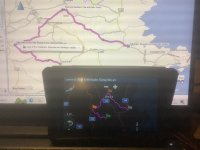
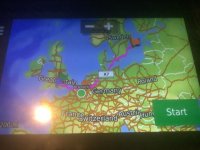
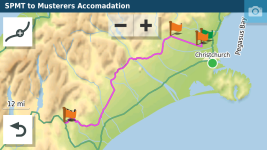
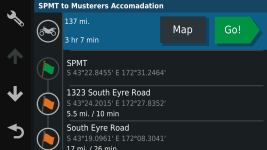
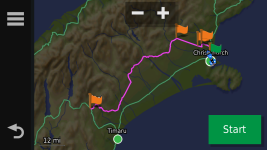
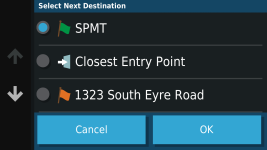
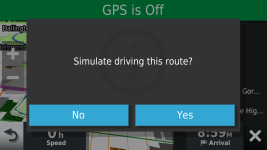
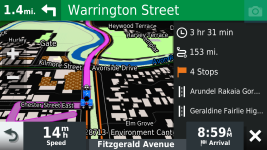
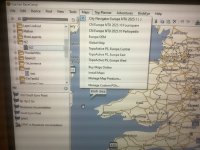
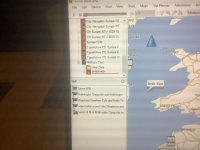
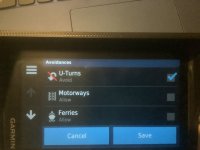
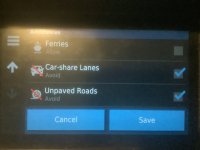
Hi, I did a route on basecamp then imported it into XT main storage , turned of so called NZ maps in XT that are on the sd card, then turned all the Europe garmin maps on and all went as I would expect, including getting me there from my front door, see pictures, as always many thanks INBOCIMG_0332.jpegIMG_0333.jpeg

====

Tidied-up

Richard
 
Last edited by a moderator:
Thank you.

We now know;

1. That the XT is performing OK.

2. That the NZ route is OK.

3. That the NZ route displays OK in BaseCamp.

That surely only leaves a problem within the Open Street Maps, stored on the SD card within the device itself? Or have I missed something?
 
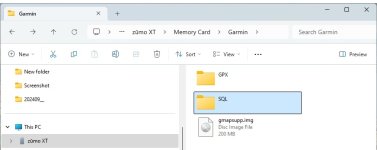
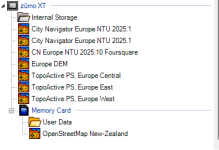
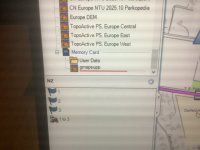
Ok lets wind it back a bit does your FAT32 formatted card in your XT look something like this.

NZ1.jpg
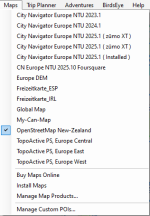
And on Basecamp with the unit plugged in. I didn't bother putting the NZ maps on my computer.

1725568919627.png

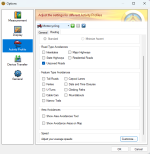
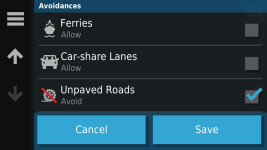
Is your Motorcycling profile in Basecamp set up like this...you wanted to avoid unpaved roads.

1725569140564.png

More to come
 
And to match your XT unit. 1725569535200.png

Do you have your routes for NZ in a separate lists (I only keep one route per list in a folder for a place or trip.)

Have you made sure that the routes are calculated on basecamp BEFORE you transfer them to the XT? More to come.....
 
Ok lets wind it back a bit does your FAT32 formatted card in your XT look something like this.

View attachment 349476
And on Basecamp with the unit plugged in. I didn't bother putting the NZ maps on my computer.

View attachment 349483

Is your Motorcycling profile in Basecamp set up like this...you wanted to avoid unpaved roads.

View attachment 349484

More to come
Shall I remove maps from basecamp I have installed as you don’t have them on the pc?
 
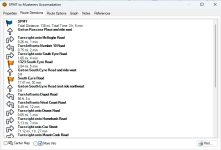
Before you transfer the route to your Zumo open the route and make sure that the turn by turn directions for the route are there.

1725570134290.png

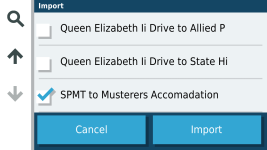
I sent your route to my Zumo SD card and imported it

1725570233545.png

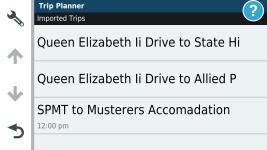
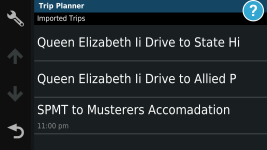
It calculated in a flash and appeared in the imported trips list.

1725570330927.png

And I could open it on the Zumo....with the confusingly straight roads :D Yip that got me too!
1725570452316.png

Have you been able to get this far with the route?

I was then able to simulate the route

1725570625355.png

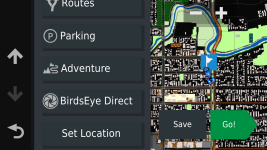
I made the Zumo think it was in the middle of Christchurch.

1725570736627.png

Opened the route from the imported list.

1725570858853.png


1725570913489.png

And it showed up on the map as planned + the distance from the centre of Christchurch.

1725570972532.png


1725570931336.png

1725571085249.png

You can see that the route has 16 miles added to it as I told the Zumo it was in Christchurch centre

1725571114410.png
 
Shall I remove maps from basecamp I have installed as you don’t have them on the pc?
It shouldn't make a difference as you can see from the screenshot above I have several OSM map sets on my PC. But take the map off the PC in case there is a conflict between what is on the PC and what is on the card in the Zumo. The ones on the Zumo will still work but will take a while to load as you move around the map as they rely on USB speed rather than internal storage which is much faster.
 
If all else fails you can take me with you as a tour guide........I've plenty of time now that I've retired :D Only kidding of course.
 
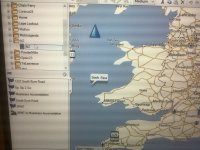
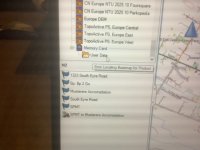
Here goes, formatted card, created Garmin folder, copied map file into Garmin folder, took sd card out of pc. Removed maps from basecamp folder that I downloaded, so basecamp back to original set up before starting into this. Put sd card into XT. Connected XT to pc with basecamp open, checked sd card using windows , see difference? Then went into basecamp map appears to build but does not hang under sd card folder and does not show on map list. Many thanks INBOC

IMG_0334.jpegIMG_0335.jpegIMG_0336.jpegIMG_0337.jpegIMG_0338.jpeg
 
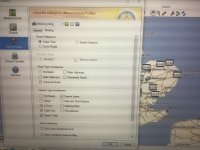
These are my standard settings for all trips, and I put all way points in a list that I need for a big trip then build the routes using the waypoints I have created, I also date stamp them so they are loaded in order on the XT and yes I check visuallythe turn directions, as always many thanks INBOCIMG_0339.jpegIMG_0340.jpegIMG_0341.jpegIMG_0342.jpeg
 
Last edited by a moderator:
Emm it should look something like this.

View attachment 349524
I know, that’s what I have mentioned, earlier , I see it build with a bar then it vanishes, what I don’t understand is I can go on the XT when it’s unplugged from the laptop and con it into NZ and do a to b routes using the maps,many thanks INBOCIMG_0329.jpegIMG_0331.jpeg
 
Last edited by a moderator:
Have you tried downloading the map directly to a Garmin folder that you have created on the card or did you download the map to your PC and then copy the map to the card?
 
I think you may be right and there is something askew with the card/download process.
 
I think you may be right and there is something askew with the card/download process.
Agreed but I’m following the osm site guidelines I believe, I used the free download not the subscribers download, do you have any ideas ?
Many thanks INBOC
 
Have you tried downloading the map directly to a Garmin folder that you have created on the card or did you download the map to your PC and then copy the map to the card?
Hi I have only done option 2 of your question, will now try option 1 , and report back , many thanks INBOC
 
Hi I have only done option 2 of your question, will now try option 1 , and report back , many thanks INBOC
Downloaded zip fille straight into sd card on laptop into Garmin folder, then unzipped it in there, then put unzipped file into Garmin folder, then moved all other things out, unfortunately same result, I’m going to do a reset on basecamp and a check of the XT garmin express, wish me luck , many thanks INBOC


Back
Top Bottom