Garmin xImage and 2720

Aidan1150

Nice but unfortunate husband.
Moderator
Moderator
Joined
Nov 17, 2004
Messages
14,841
Reaction score
2,799
Location
South Armagh, Ireland
Garmin sent me a 2720 after my 2650 had a severe fall from the bike at 80mph. :eek

Anyway, I have been playing about with it trying to get the feel of it and have discovered that by installing xImage on my pc I can take screen shots from the 2720. :)

shot.jpg


Apparently I can also upload my own splash screen to the unit, but fecked if I can get it to work. :blast Has anyone here managed it?
 
Apparently I can also upload my own splash screen to the unit, but fecked if I can get it to work. :blast Has anyone here managed it?

You have called your new splash screen "Splash Screen.bmp" haven't you?:augie

The name is case sensitive and the file must be a .bmp and it must be 152 kbytes, (I believe).

John
 
Redboots is correct about the filename, but it's the image size that's important, not the filesize. The image must be a bitmap, must be saved at 72dpi resolution and must be 454 x 240 pixels. FWIW, I have a custom splash screen on my 2720 which I loaded OK with xImage.

BTW, don't forget to take a copy of the standard splash screen before you start playing with alternatives :augie
 
I did name the file Splash Screen.bmp John and had the image size at 454x240 as Phil says but it still won't load. Maybe the file size is important? :nenau
 
I did name the file Splash Screen.bmp John and had the image size at 454x240 as Phil says but it still won't load. Maybe the file size is important? :nenau

From the "Help":
When customizing images, please remember the following:

· Before you begin editing images, create a backup copy of the image(s) you downloaded and save it under a different file name.

· Do not change the size, palette, or color depth of the image you are editing. If any of these are changed, xImage will not upload the image to your GPS unit.

· Do not change the file name of your customized image. Your customized image must have the same file name as the original image you downloaded or xImage will not upload the image to your GPS unit.


My images are 480x320 using 79 colours at 300x300dpi. File format is WINbmp and 154,678 bytes in size.

Look at the "info" for the splash screen you saved and make sure its the same before trying to upload the new.

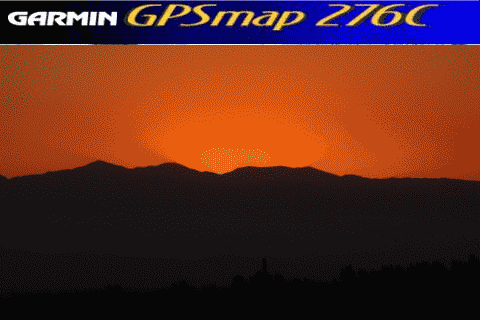
I jut made this:
Splash Screen.bmp


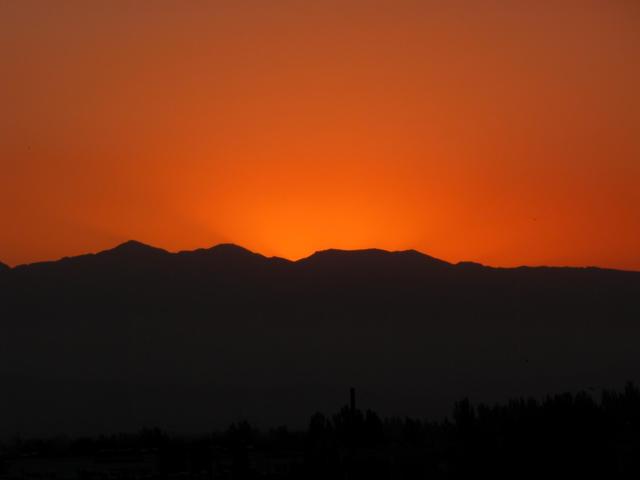
From this:

srize.jpg


John
 
Last edited:


Back
Top Bottom