kwackless
Registered user
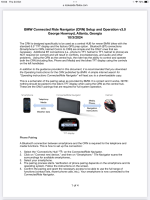
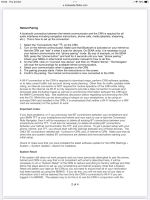
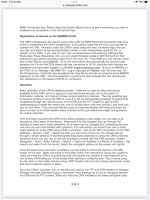
Hi All.. Something I seem to have a problem with on my previous satnav 6 and the new connect and ride satnav is Volume when listening to directions.. this is strange to me as when using the phone the volume is high even at motor way speeds.. but when listening to nav directions can only hear when going very slow.. have tried to hire volume via connect and ride settings in nav settings and it's on max spoken instructions.. not sure if that setting is for volume! I know it's not my volume setting being to low on my sena srl2 head set as phone calls are well loud enough to hear even at motorway speeds.. I'm beginning to think the sat nav volume is set and volume can't be increased which seems very strange to me! if the volume can be increased on the connect and ride spoken nav instructions/directions please advise how it done!
Also can make a phone call via sena srl2 head set with no problems however if I use the connect and ride to call a number it dials out and the other person answer the call but I can't hear them and they can't hear me.. I've check in the settings that it's not on mute.. is it something I'm doing wrong or is it a case I can't have the phone connected on the TFT and the connect and ride at the same time. any help would be very welcome! this is not a major problem as I can still make and receive calls via my sena srl2 head set.. but can't seem to do through connect and ride nav. it may be the case you can't have the phone connected to TFT and the connect and ride at the same time..
thanks for your help in help as tech is not my strong point as I'm a old bugger.. lol.....
Also can make a phone call via sena srl2 head set with no problems however if I use the connect and ride to call a number it dials out and the other person answer the call but I can't hear them and they can't hear me.. I've check in the settings that it's not on mute.. is it something I'm doing wrong or is it a case I can't have the phone connected on the TFT and the connect and ride at the same time. any help would be very welcome! this is not a major problem as I can still make and receive calls via my sena srl2 head set.. but can't seem to do through connect and ride nav. it may be the case you can't have the phone connected to TFT and the connect and ride at the same time..
thanks for your help in help as tech is not my strong point as I'm a old bugger.. lol.....