A mac person may be able to help you more but to enable sight of the .System files on the zumo you need to follow this process.
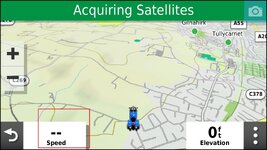
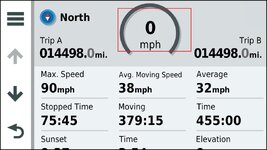
Get to this screen and hold the speedo display.
Hold your finger on the speed for a few seconds.
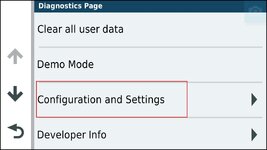
Press configuration and settings.
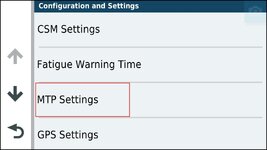
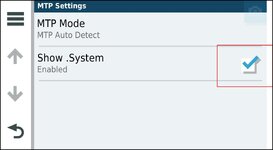
Click on MTP settings
And enable Show.System
As you can see they really don't want you messing about in there, but if you have ended up with 2027.10 and 2027.20 both in your maps folder it might be worth getting in there deleting them and hopefully the full mapset can be installed. Not sure how to get to the innards of a Zumo on a MAC though??