maybe I missed something but I have a few questions
1. i get the animation bit in the menu but I cant work out how to stop at a ''pause point''
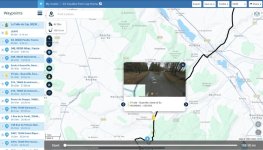
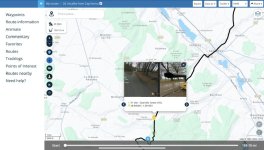
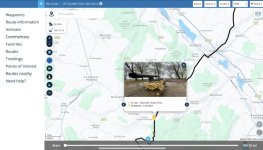
2. How do I add the picture of the road at the pause point
Tap around, you can’t break it


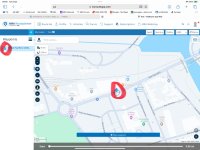
Tap on the point you wish to amend. You can do this either on the route itself or from the column on the side.
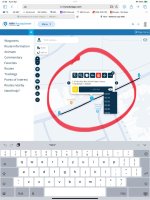
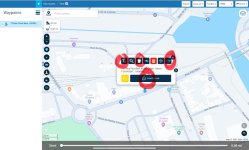
The various ‘buttons’ do different things. From the left:
Change the name.
Change the colour. The MyRoute ‘best practice’ is green for start, yellow for intermediate ‘stops’, red for end.
Three dots, will bring up an additional set
Insert pause
Tap on any one of them to use.
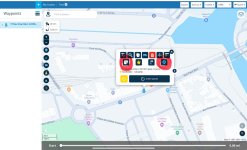
Additional set.
From left:
Add note, things like ‘Great banter with likeminds’
Add picture
1. Make sure the route is unlocked. 2. Tap on the via or way point, whereupon a pop-up box should appear 3. Expand the opinions by tapping on the three dots in the top right corner 4. Tap on the camera 5. Tap on Choose file 6. Select the picture or pictures (you can add multiple) you...
www.ukgser.com
Again, tap on any one of them to use.
There are some other quite useful ‘buttons’ too. One of the most useful (not shown) is the ‘Land Rover’ which produces straight lines, useful for forcing the route along roads it thinks are unusable. I used it to force the route across a bridge, which the base map thought did not exist.
My one gripe with MyRoute is that if a road is closed for roadworks MyRoute wont allow you to use that bit of road in a route. A right PIA if you are planning a route for future use. ====== I have cut this post from a thread about gripes, as it is worth a thread on its own. Richard
www.ukgser.com
I set up a separate folder in MyRoute, just to experiment with things.