
Forum Image Resize Test for BB code

stephen.stallebrass

Registered user
Joined
Oct 13, 2010
Messages
1,057
Reaction score
0
Location
Peterborough
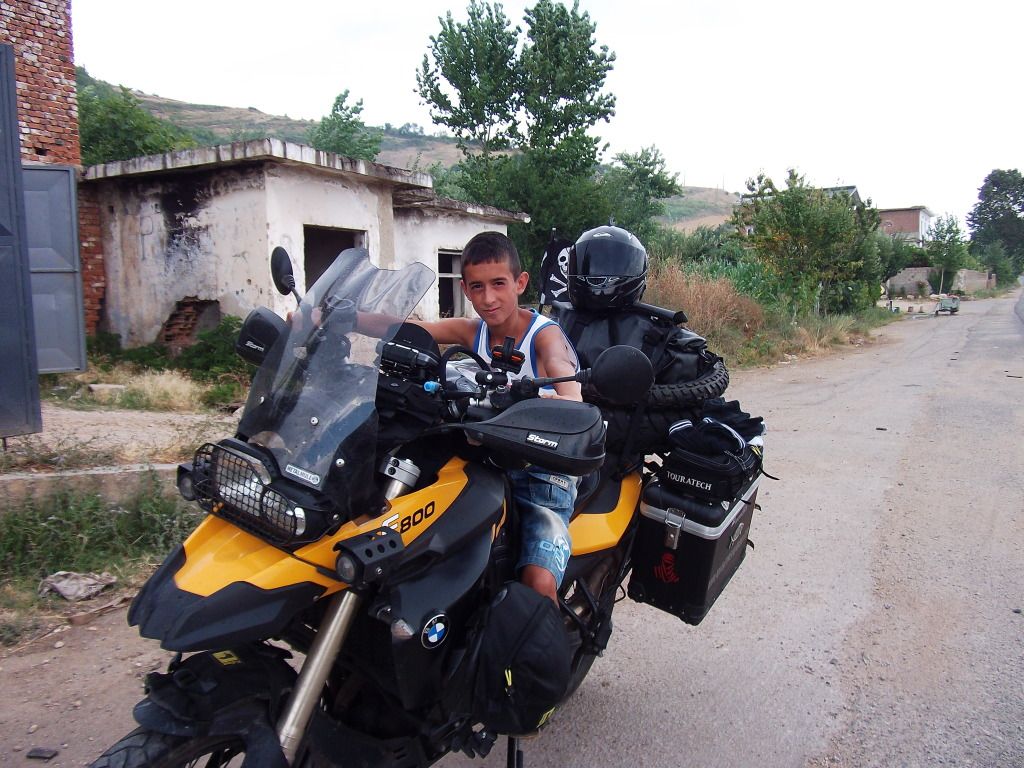
DSCF0432.jpg


[IMG=100x100]http://i1259.photobucket.com/albums/ii552/AdventureVagabond/Mongolia%20and%20Siberia%202012%20Adventure%20Moto%20Madness/Albania/DSCF0432.jpg[/IMG]

Well that didn't work... is the BBcode function disabled or not available on this forum?
 
I read somewhere that you can resize images in forums using the BBcode prefix [IMG=100x100] but it didn't work. I'm probably doing it wrong. I don't want to resize images within my photobucket just for forums but they post massive, which is annoying for those reading the thread.
 
It seems that PhotoBucket Uses different settings.

If you go into your settings on Photobucket, you can display IMG Thumb images as Above.
 
I read somewhere that you can resize images in forums using the BBcode prefix [IMG=100x100] but it didn't work. I'm probably doing it wrong. I don't want to resize images within my photobucket just for forums but they post massive, which is annoying for those reading the thread.

I use PB and copying the 'image code' into a thread automatically resizes the image to fit the forum page :confused:

Andres
 
Does Photobucket not give you the option to link to different sizes of the same image?

Smugmug examples:-
mav5-S.jpg


mav5-M.jpg


mav5-L.jpg
 
Does Photobucket not give you the option to link to different sizes of the same image?

No. It only the actual IMG and the thumbnail IMG, Maybe I should start using Smug Mug

Nice picture BTW.

I think I've found an option in PB to select 'size to display in forums' under the 'upload options'.


Back
Top Bottom
