getting rid of waypoint labels

Berin

Well-known member
UKGSer Subscriber
Joined
May 29, 2006
Messages
7,679
Reaction score
3,470
Location
South Oxfordshire
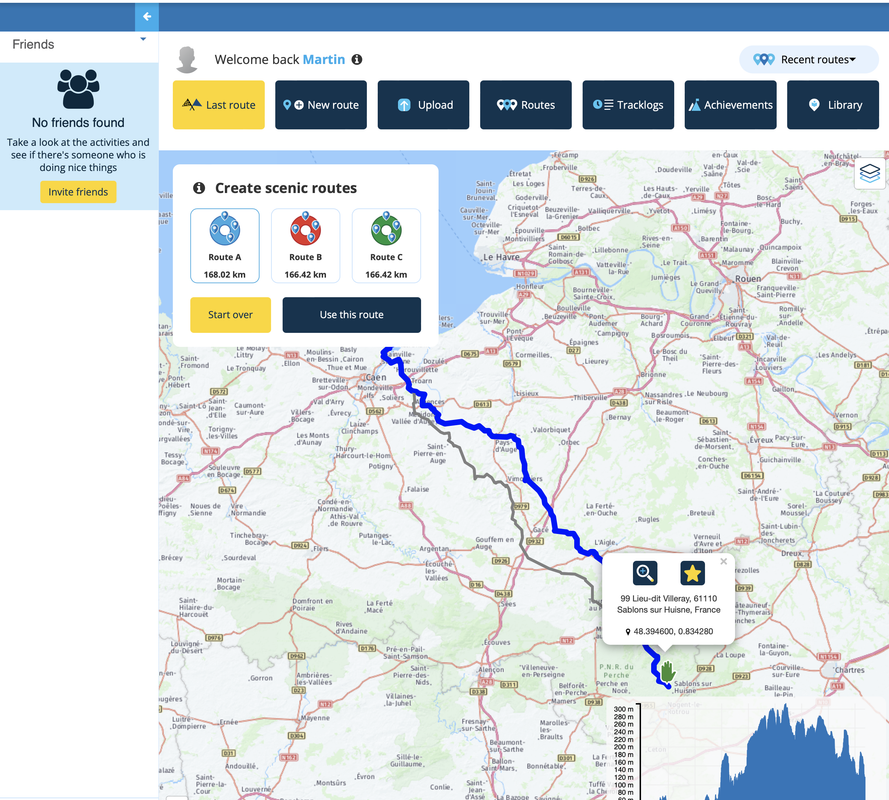
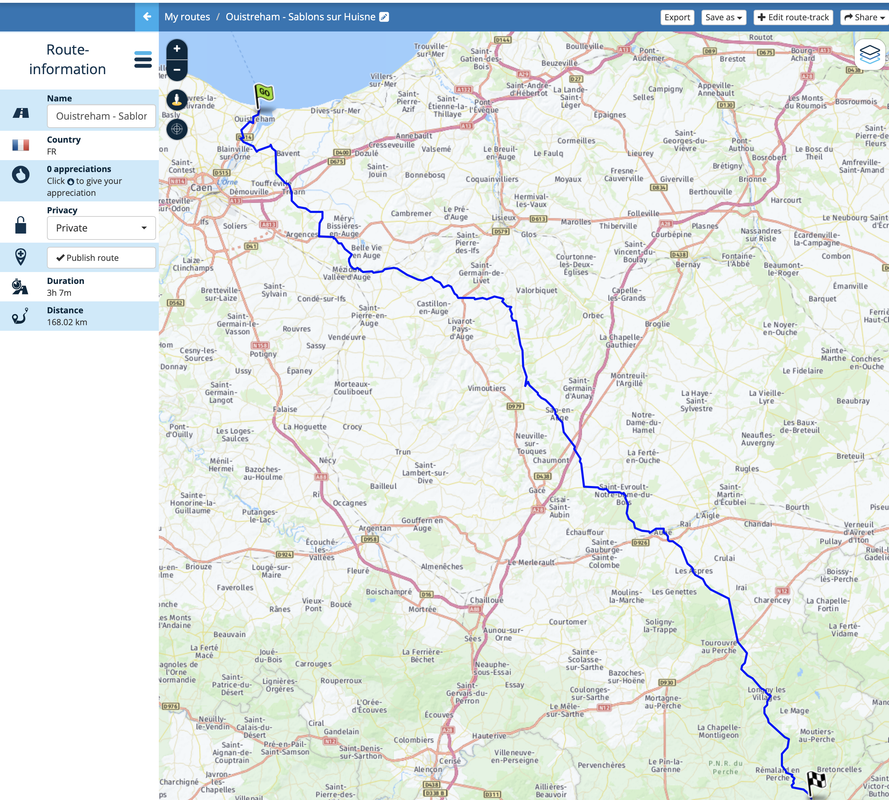
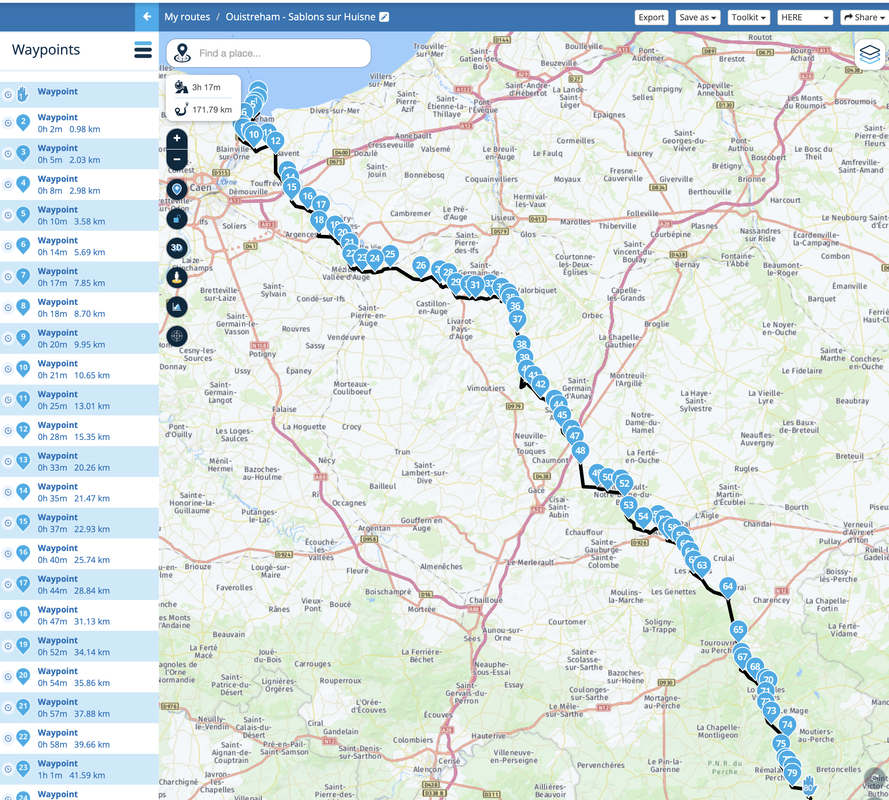
I'm about to start using MRA in anger. I've created the route below in Route lab, by giving it a start and an end point, but the route is obscured by the waypoint (which it inserted) labels.

Anyway to remove these labels so I can see the route?
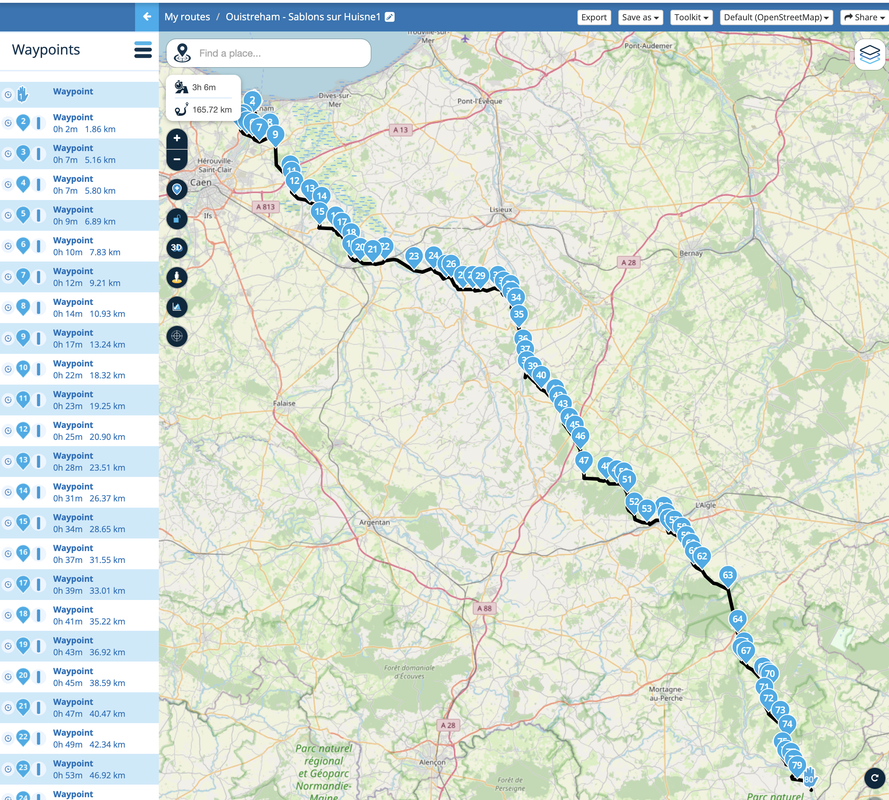
 
If you are a Gold member, you can use the app’s Toolkit’s expand / reduce function.

Just take a bit of care that, when reducing, it does not alter the route too dramatically. Play about by copying the route, then reduce.

One question: How did you get so many points in the first place?
 
Last edited:
If you are a Gold member, you can use the app’s Toolkit’s expand / reduce function.

Just take a bit of care that, when reducing, it does not alter the route too dramatically. Play about by copying the route, then reduce.

One question: How did you get so many points in the first place?
So If I reduce the waypoints, to say, 15, how do I compare the old route with the new one? Save it as a new route then use "add route"?
 
Aha, I see how so many came about. Thank you. MyRoute’s default position is to suggest a point evey 5 km or so, simply to help ensure a route is properly reproduced on a GPS device.

Yes, that’s the way I’d do it.


Back
Top Bottom