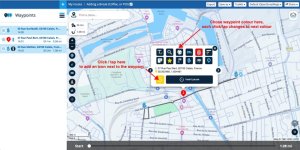
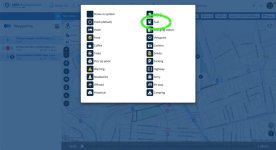
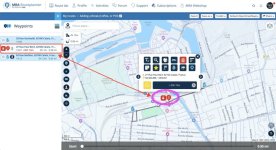
Sometimes it can be useful to add pauses into stops. Here’s how, using the example of a simple A, to B to C route (which would normally take five minutes) but with a pause of one hour inserted at B.
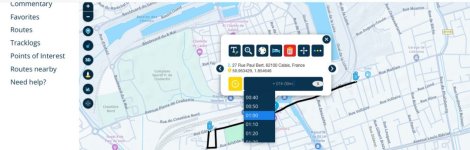
To insert the pause, just tap on the point you wish to pause at. Then tap on the black oblong box. Then select the pause period. Then close the box. MyRoute will do the rest.
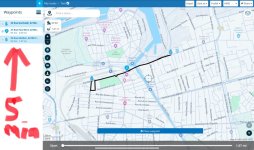
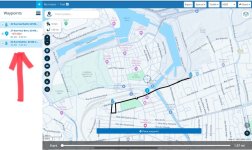
I don’t know why the estimated time increased by an additional two minutes. Perhaps it adjusts for additional faffing around?
To insert the pause, just tap on the point you wish to pause at. Then tap on the black oblong box. Then select the pause period. Then close the box. MyRoute will do the rest.
I don’t know why the estimated time increased by an additional two minutes. Perhaps it adjusts for additional faffing around?