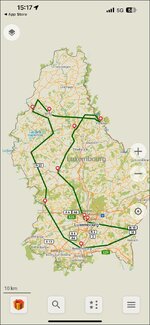
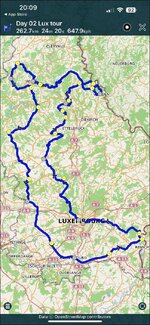
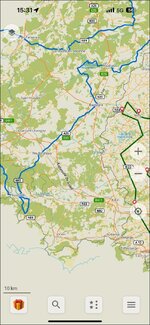
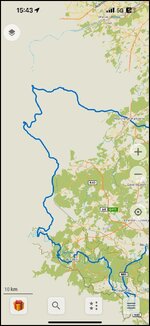
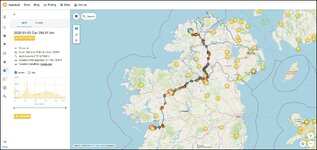
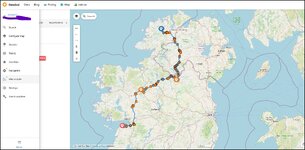
I use OSMand+ a fair bit and its worth £14.99 a year I've used the Maps+ edition for 3 years. Year one was on offer at £5.00 then £9.99 for the last two years. At £15 its still good. I wish I'd gone for the one time purchase at £30 when I initially tried the app I may yet go for it at £70. Also I seem to have access to OSMand Cloud even though its not supposed to be in maps+? Anyhow it also works well with MyRoute app for downloading tracks.
Advantages of OSMand
1. It navigates tracks and from the outset is designed to operate
offline. Download the maps you need and you will have no roaming charges
2.It works on very old phones Android 7 and up Android 7 came out in 2016 the current version is 16
3. Because it runs tracks its not affected by poorly designed routes and routes designed on other map sets like Here or Google maps. You can set its tolerance I use 50 ft for motorcycling and 10ft for walking (id prefer not to fall off a cliff)

4. It has loads of profiles for different activities and you can set up the maps to suit I use it for walking and Motorcycling.
5. It handles POI's and Favourites well. They are relational and hold more information than MRA and about the same as basecamp.
6. The maps look good are customisable for looks and 3d is implemented well allowing on the fly navigation if in "Free Ride" mode
7. Works with Android Auto and Car Play so with screen mirroring devices
Disadvantages
1. Because it is track based it strips out Via points and POI's from imported routes. You can prod the screen and put in temporary flags or design routes within OSMand
2. Its very customisable so easy to get lost in the app.
To use it with a track created in MRA.
Open app and press three lines highlighted.
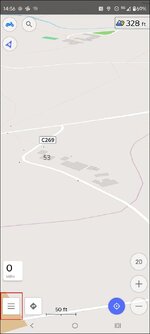
If you have downloaded the track from the MRA app to the phone go to this screen which is plan a route It will be in the downloads of your phone. Or if you have already imported it go to Open existing Track
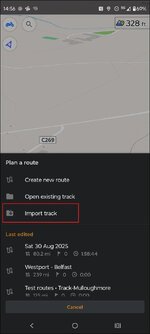
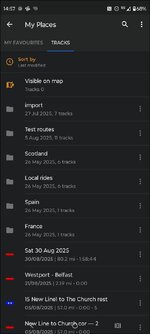
You can route directly from this or go to My places since you have imported it which is the three lines and my places and the imported track will be under Tracks My Favourites is where you can manage POI's
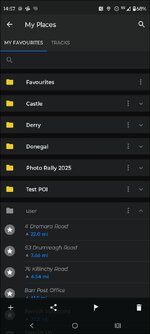
When you select a track you get this screen
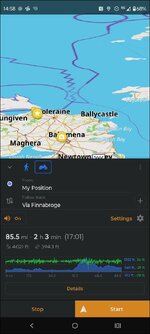
Under Details you can look at the turn by turn instructions. And all sorts of other stuff
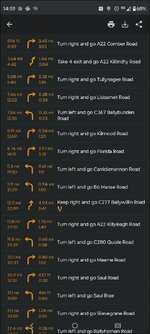
Hit start if you are happy
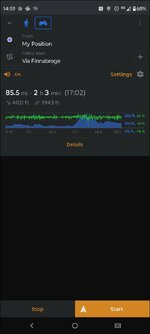
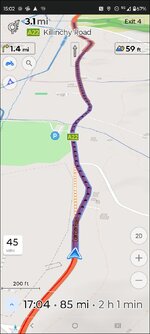
Under settings you can simulate the route. Portrait
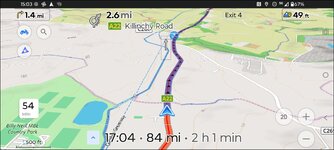
Or landscape
It is a very powerful and highly featured application. The OsmAnd Cloud website is pretty good too.