Replacing home computer

I was brought up on windows, became proficient at all the usual stuff- office suite etc

My steam driven desktop died and so I was persuaded to buy a Mac Air M3 laptop.

What a top notch bit of kit, but can I use it to anywhere near its potential? Bugger can I.

Learning a new system is not as easy as some make out, although an iPad is totally different from a Mac Air, piece if cake.

Apple store do free lessons but it’s real basic stuff, and doesn’t go far enough, whereas I wanted to understand how to file documents and store stuff on a SSD.
such as
Pictures/holidays/years/ locations
Vehicles/ bikes / cars / documents/ workshop

I even when to CityLit college for a class on the Mac, but again, it only covered what the keys did, and not how to file stuff in folders.
So yes I do appreciate the Mac Air, but it still puzzles me a year in!


So if you are a Windows man, stick with windows unless you get an iPad
This bloke can be a bit boring but seems to cover most things mac. I've learnt quite a bit from him.

 
I can do all that which you require, on my old:-

Sony Vario on Windows 7 Home Premium
Intel (R) Core (TM) i3-2310M CPU @210GHz
Installed memory Ram 4 GB
System type 64-bit operating system

Old fashioned compared to modern laptops, but reliable, good enough for the little that you require, photo images, wireless Usb mouse, Usb Printer, and a monitor wired as a larger duplicate screen if required.

Look for a good secondhand device, plenty out there, as many people want updated machines capable of doing things, not even invented yet. :green gri
 
Last edited:
I can do all that which you require, on my old:-

Sony Vario on Windows 7 Home Premium
Intel (R) Core (TM) i3-2310M CPU @210GHz
Installed memory Ram 4 GB
System type 64-bit operating system

Old fashioned compared to modern laptops, but reliable, good enough for the little that you require, photo images, wireless Usb mouse, Usb Printer, and a monitor wired as a larger duplicate screen if required.

Look for a good secondhand device, plenty out there, as many people want updated machines capable of doing things, not even invented yet. :green gri


that bait stinks more than Jackson Lamb the day after a lamb bhuna
 
I have a Mac all in one. It’s about 10 years old and does all I need. I thought about changing it and was going to trade it in. Apple offers me free recycling. I’m keeping it but there must be a few machines out there unloved waiting for someone. JJH
 
A very similar Asus Laptop 15.6” screen with a lower spec processor at Costco

View attachment 455599
I wouldn't go for less than a Rysen 7, 32RAM and a 1 TB SSD (partitioned), especially if you want to keep lots of photo's on it.
PLUS an external 1 or 2 TB drive because laptops are shite.
 
You'll get a good 10 years use from a Mac, scotching the myth that they're more expensive than Windows.
I'm still getting useful service from a 2012 Toshiba laptop running W10 (with extended security updates to Oct.2026). It dual boots with Linux Mint. Mac's are expensive for what they are. A basic Windows PC or Chromebook would meet the requirements that Doc has outlined. W11 has become more and more of an advertising platform (though you can switch most of the bloatware off) and I would love to completely switch to Linux but there are a couple of programmes I use frequently that I haven't found an entirely suitable Linux replacement for.
 
I wouldn't go for less than a Rysen 7, 32RAM and a 1 TB SSD (partitioned), especially if you want to keep lots of photo's on it.
PLUS an external 1 or 2 TB drive because laptops are shite.
Keeping loads of photos does not require any great processing power..... However, manipulating the photos with Photoshop or Affinity Photo that is a different matter :D For keeping photos nearly any laptop with at least a couple of USB 3.0. 3.1 or 3.2 ports is good and a couple of decent external ssd for backing up said photos from the laptop HD. Keep one backup somewhere else other than your house or pay for cloud storage. I use a couple of 2TB Crucial X9's and keep one in the car on the basis I'd be very unlucky to lose the house and car at the same time. When I worked I kept my spare backup HD in my desk in work.
 
I needed a new laptop for work and asked an ex-technical computer service guy from Curry's. He said anything by Lenovo.

I went to my local Argos and picked this... I think it was this or very similar?


A decent size screen at 16", I'm sure mine has a 1TB solid state disk though, and a nearly full size keyboard with the side calculator numerical keypad which is great for me as I manipulate my Excel spreadsheets a lot.

I also paid for lifetime Microsoft Office Package rather than the subscription to 365. Eventually I'll break even and I don't need all the new updates and tweaks.

I didn't want a Dell... My last 2 Dells did a black screen on start up and the only way around that was to set the on battery sleep time to 5 minutes, and then 'if' it went to sleep (it didn't from time to time) it would then wake up from sleep and work just fine. This time I was paying for it, not my works, so I could pick what I wanted but wasn't prepared to spend silly money out of my own pocket for work.

Some might ask why I bought my works computer... because work doesn't have any right to access or monitor it or insist on weighing it down with monitoring & antivirus software as the previous Dells had to have, and should we part ways, the info and programmes on it are mine :D
 
  • Like
Reactions: Doc
I bought my Asus laptop from Argos last Christmas (wessie posted a thread on it IIRC) So they might have what you want if JL don't have it in stock
 
  • Like
Reactions: Doc
Thanks for all the advice lads. Asus or Lenovo should do the job.
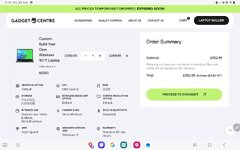
Unless I get this from the gadget centre I built.
Next question will be how do I swap all my stuff over.😅
Screenshot_20251031_031953_Samsung Internet.jpg
 
  • Like
Reactions: Doc
Assuming the old laptop is working, if you have a Microsoft account, transferring stuff from one device to another is relatively simple over wifi.

It helps if all of your media is stored in the cloud or a physical back up device mentioned in posts above. I'm not a big hoarder of photos etc so I manage with free versions of Msoft Onedrive, Google drive and Dropbox. My phone is set to automatically upload photos and then I delete the dross before archiving any keepers.
 
  • Like
Reactions: Doc
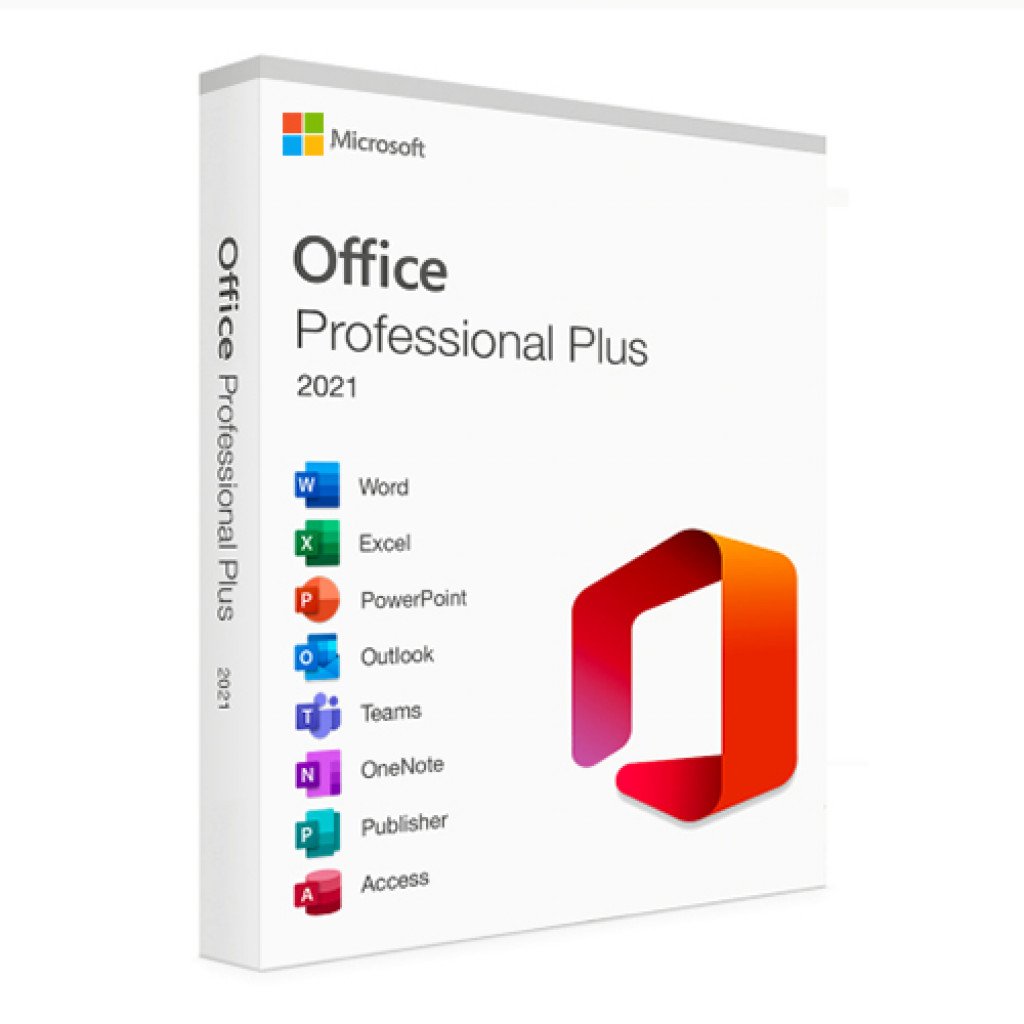
Try something like this for your software, don't blindly wander into Currys and pay £££££ for a retail boxed item.

 
For transfer of pictures and folders I would just use a large memory stick or a portable solid state hard drive. They can also be handy for backing up.

I was listening to the tech guy I spoke to the other day and he recommended using twin SSD which could be mirrored? As a technophobe myself, I assume that 'something' can be set to lift the data and place it on the drives with each getting a complete copy? I do have a couple of memory sticks but I've no idea how to set them to do it for me.

As for swapping programmes over, that I wouldn't have a clue about. My old laptop is next to me doing nothing but otherwise it's intact :nenau
 
Buy the same product from Currys and you get the 12 month standard warranty.

I loathe Currys. My experience is that they will do anything they can get away with not to honour their warranty, unless you paid extra for the extended one. I will never spend my money there again. Gits.

A good experience. I bought a laptop for an old mate, sadly since died. I purchased & set the laptop up for him, he tried it for a week, and said that he couldn’t get on with it and could I return it. I checked it, and yes, I could do a factory reset, and return it, and they would check it and if ok, give me a full refund. Which they did about a week later. Hewlett Packard - online. Excellent service.


Back
Top Bottom