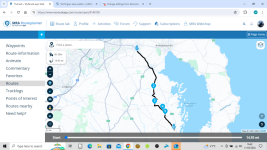
I use MRA and still use Basecamp. In terms of drawing a route on a PC the cursor controlled by the mouse is multi-modal in that if you click and hold (not on a road) you can move the map when you click on a road that you want to put a shaping point or a waypoint the click will produce the shaping point or waypoint and a dialog box to accept the default name or give it your own. This is very different from basecamp where the tools are single mode (and also part of the reason people have difficulties with it). Also if you use the companion phone app for navigation (I don't I use garmin devices) you can put narrative to those way-points that will be read to you as you arrive at them. It is very easy to construct a route in MRA particularly if you are familiar with Google Mymaps as the interface is similar.
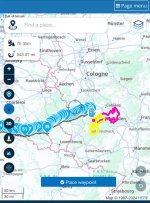
What is a game changer for me is the ability to construct routes on the fly while on tour on a phone or Ipad rather than carry a Windows device around with basecamp installed or as I did create loads of routes to cover every eventuality for example wet routes and dry routes and load them on the device. For me the ability to create and change routes on the fly so to speak was worth a lifetime membership. (Wish i was 21 and not 63

)
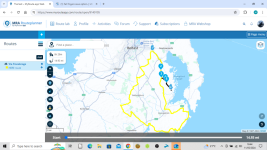
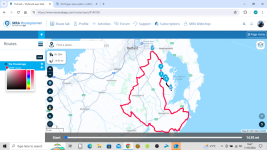
A couple of things it does not do as well as Basecamp is seeing a number of routes on a tour on the map and how POI's are handled. For the rest its easily as good. On the XT route transfers are easy with Garmin Drive and on the older Garmin GPS units they can be connected to your phone with a cable to transfer the routes.
Its just different put a bit of time into learning it with the free app and see how it goes.






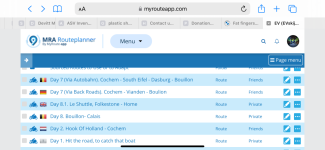
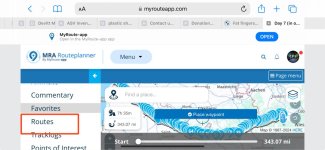
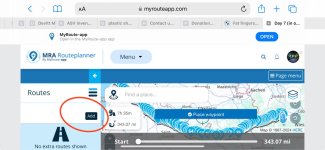
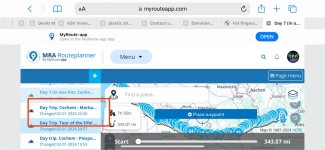
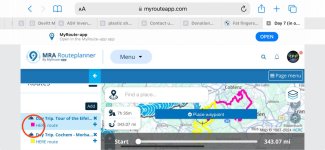
 icon. Then make a duplicate of it. Use duplicate route to muck about with.


