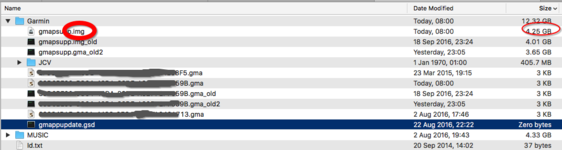
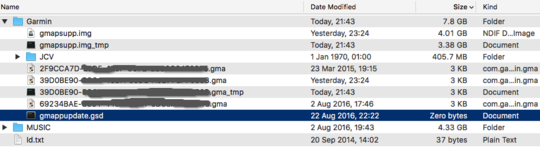
Flipper man, if i have got this right, you have now managed to send the new map to the nav, but now you are still only able to see the old map on the unit even though the newer map is there on the sd card, is this correct.



After all my hard work i still cant get GE to see the SD card. So I've opened a case with Garmin UK. I think they are as puzzled as me.
Please list what you are using and what you have tried doing and someone maybe able to help

Are you using the Garmin supplied USB lead?
Does the Mac see the card?
The sat nav is a Nav 5 with a 32gb card in, its the second card I've tried. Its formatted to fat32. The computer is a Macbook pro, Im using garmin express and all items have the latest software.
Just used my daughters pc, loaded garmin express and hay presto, "we see you have sd card use that bla bla bla so me thinks it's a Mac/garmin express issue.
Are you using the Garmin supplied USB lead?
Does the Mac see the card?

Just used my daughters pc, loaded garmin express and hay presto, "we see you have sd card use that bla bla bla so me thinks it's a Mac/garmin express issue.
I reformatted it as fat 32, tried it in the Mac and it didn't work so then did it in windows.Out of curiosity, does Windows say it's FAT32?
FECKIN GARMIN SHITE.

I am now down the pit of garmin...
My mac can see the sd card 32mb
BaseCamp can see the sd card
Nav 5 Cant see the flipping thing.
Grrrrrrrrr
Did I miss spell or maybe your right......After trying everything that has been suggested, it doesn't work, it won't recognise the card....So we go from a working unit and computer that recognises the card to an update and the Garmin Shite GE that won't !!! BUT we can always rely on a friendly suggestion ...... "user error"I fear a lot of it is actually User Error...

Cheers mate, I rely needed that