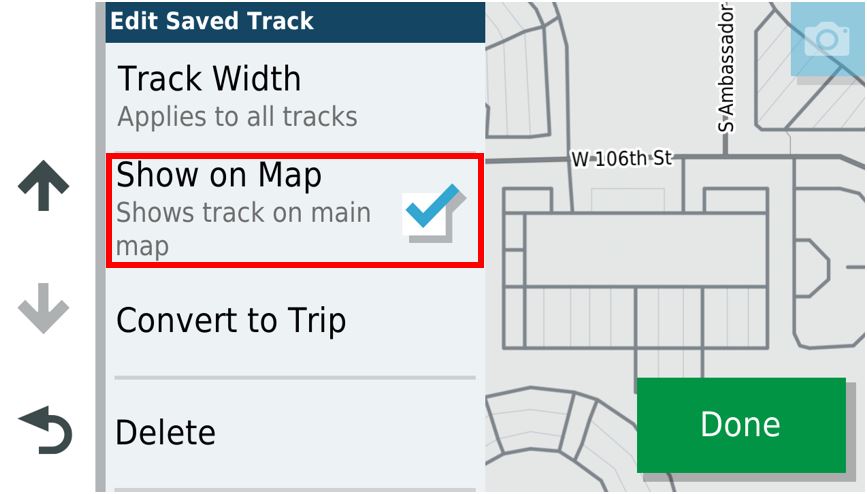
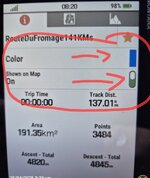
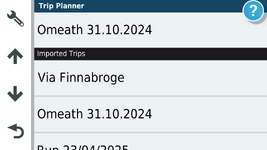
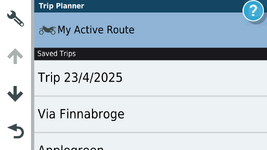
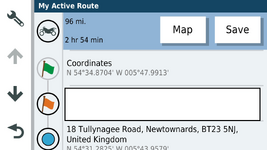
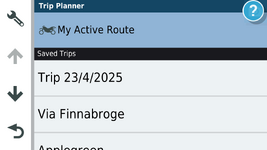
This restores your use of Waypoints, tracks and routes back to how it was when you first got your Zumo. It is relatively easy to reinstate, as described in the previous paragraph, and nothing else is broken by performing this simple operation.
It is now necessary to completely un-install the Garmin Drive App from your phone. I don't mean just disable it. Get rid of it completely.
With that out of the way, you can reset the Explore database on your XT. This option is in the system’s Diagnostic Page -> Developer Tests and Tools. which you can access as described below.
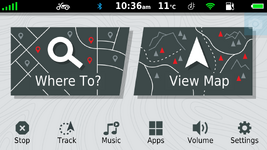
Select: Home Screen -> View Map -> Click Speed Button -> Hold Speedo for 10 secs.
This opens up the system Diagnostic Page. Be careful what you do in here!
Scroll down for Developer Tests and Tools -> Click
Scroll down to near the bottom Reset Explore Database -> Click.
Nothing seems to happen. Back out using the return button until you get to the Home page.
Immediately turn the XT completely off - hold the power button in until the screen asks if you want to switch it off. Yes you do. Then restart. If you do not do this immediately, the XT will have chance to start talking to your phone and it will reactivate some of Explore's features.
Select Where To -> Explore and check that you get the screen indicating you are not connected to your Explore account.
You can now reinstall Garmin Drive and set the various options and notifications. Any suggestion that you must install Explore - ignore it. On the Android phone, there is a 3 screen animation which obscures the Skip button. If you can get a pointy finger on it, then press Skip. If not, just wait a few seconds for the animation to complete. I think it then suggests that you want to set up Explore. No you don't - but that option isn't available. 'Maybe Later' will have to do.
The first video in the link above on how to set up Explore deals with seeting up Garmin Drive to talk with your XT. Ignore the other 3 videos - they are to do with setting up Explore !