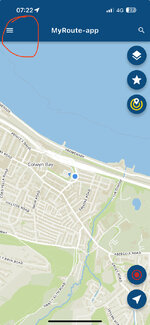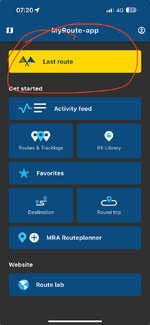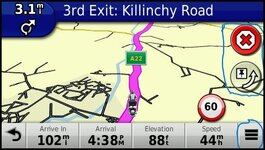
On the Nav5 you can set up the screen to have a number of "custom" buttons on it. This is a Zumo 390 but I run it with the skip button and stop route while navigating. On the BMW with a whizzy wheel you can operate these buttons without poking the screen. If you don't customise the screen you can access the buttons via the hamburger menu circled.I ran phone and Nav 5 together today and intentionally missed out a waypoint. On the phone I cancelled the waypoint and it re routed to the next one but on the Nav 5 I couldnt as I can’t see a cancel button….
This is a link to the Nav5 manual which explains setting up the Nav and Screen.
The MyRoute app support page is great for learning the app and includes video resources. The best thing is with the NAV5 and the app you can test loads of stuff from your sofa
 But there is a learning curve and the more you put in the more you get out.
 Log in – MyRoute-app: The #1 all-in-one route tool
Find, make and share routes and export them to your GPS and navigation app. Join thousands of other enthusiastic motor bikers, cyclists and hikers!
 www.myrouteapp.com